[Blog] For everyone
Code-rendered video vs. video models
Use a video model for photoreal footage, people and organic motion. Use code-rendered video when the words, numbers and look must be exact and repeatable.
A diffusion video model is the better tool for photoreal footage, people, and motion like water or cloth. Code-rendered video is the better tool when the words and numbers on screen must be exactly right and the look has to stay the same across a series. agentvideo is the second kind, and this post is about telling the two jobs apart before you pay for either.
Two ways to get pixels
A video model generates pixels. It has learned what footage looks like and produces new footage that fits your prompt. A letter, a face and a wave are all the same material to it.
Code-rendered video is drawn by a program. In our case a coding agent writes that program for each job, and a headless browser plays it frame by frame into an mp4. A title is a string set in a font. A bar is a rectangle whose height is a number. How agentvideo works has the full pipeline.
Two older categories sit beside these. A template editor gives you a fixed layout to fill in, and you see every change as you make it. A motion designer gives you whatever you can describe and pay for.
What video models do better
Photorealism, first of all. If the shot needs to look as if a camera filmed it, a program that draws shapes will not get you there. The same goes for faces, hands and bodies, for live action, and for motion with no simple rule behind it: smoke, hair, a crowd, fabric in wind.
Video models are also better at surprise. You can ask for a mood and get a shot you would not have thought to describe. Our agent follows a style's rules and your brief, so you get what you described and little that you did not.
None of our 30 styles tries to pass as footage. The nearest is Miniature, a cardboard model under a desk lamp with tilt-shift focus, and it still reads as a model.
What code does better
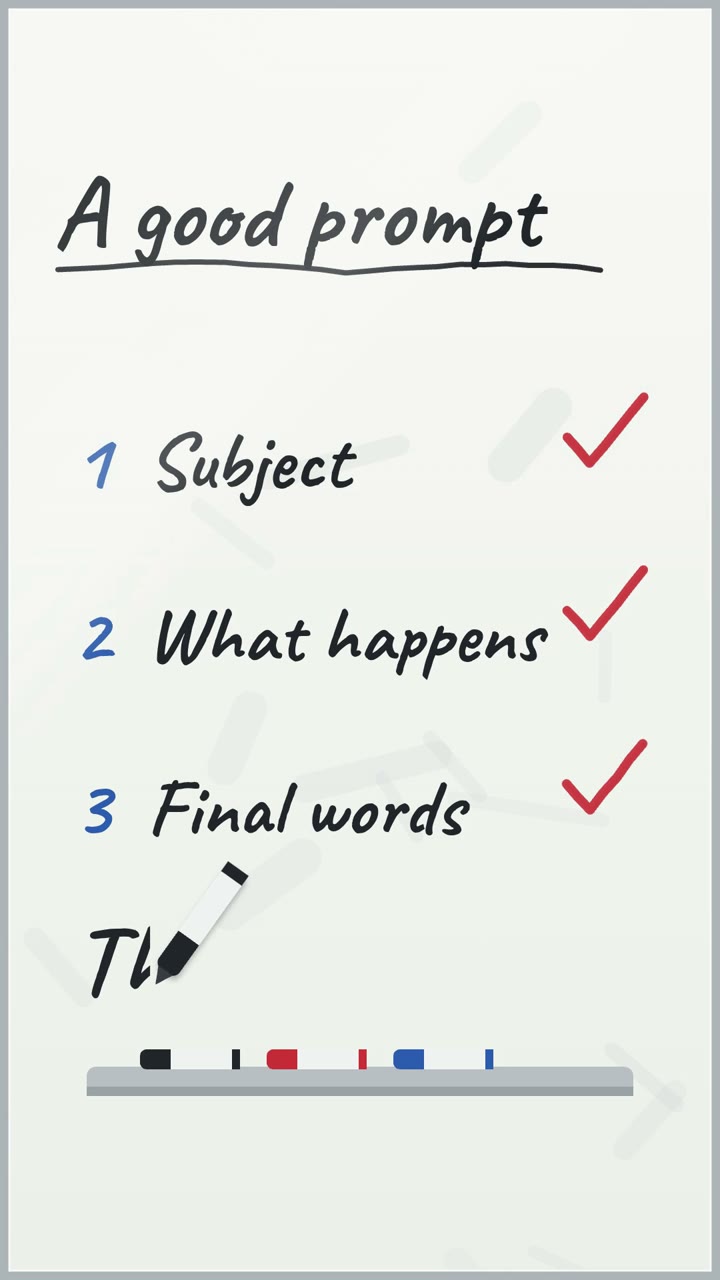
Exact text. The video above ends on the line "Pick the right tool." because that string is in the prompt. The agent copies quoted words into the scene, and a text helper sizes them to fit.
Exact numbers. Give the Data Story style the values 120, 180, 260, 410, 630 and 900 and the six bars are those values. Nothing rounds them toward a plausible-looking chart.
One look across a series. A style is a written set of rules for palette, type, shapes and motion. Swiss Motion always uses a six-column grid and keeps red for the answer, so episode ten matches episode one.
Checks you can state. Before the full render the agent looks at stills of its own scene and fixes them. A program then verifies the file: frame size, 30 fps, duration, codec.
A note on the words "re-render anytime" in the video. The render is deterministic: the same scene code gives the same frames every time. Our product returns the mp4 and keeps the source inside the sandbox. If you change one number, you submit a new job in the same style, the agent writes a new scene, and the layout may differ from the last one.
A table for deciding
| You need | Better fit |
|---|---|
| A person talking, a face, live action | Video model, or a camera |
| A photoreal product or place | Video model, or a camera |
| Water, cloth, smoke, crowds | Video model |
| A price, date or name spelled exactly | Code-rendered |
| A chart whose bars match your data | Code-rendered |
| Twenty videos in one consistent look | Code-rendered, or a template editor |
| To see each change the moment you make it | Template editor |
| A custom art direction, frame-level control | Motion designer |
| A video from an API call, no person involved | Code-rendered or a video model, by content |
| Longer than 40 seconds in one piece | Not us. An editor or a designer |
Using both
The two kinds combine well because they fail in different places. A workable split is footage from a camera or a video model, with code-rendered pieces around it: the title card, the chart, the numbered list, the end card with the date.
We make those pieces as separate mp4 files in 9:16, 16:9 or 1:1. Cutting them together with footage happens in your own editor. The only creative input a job takes is a text prompt, so it cannot use your clips or images.
Where code-rendered video does not fit
- Anything that must look real. No photoreal people, places or products.
- Real people at all. The agent is told not to show a real person's likeness as real.
- Logos and known characters. It will not draw logos, brand marks or trademarked characters. Your product or company name can appear as plain text.
- Speed. Minutes, not seconds. The ten videos on this blog took between 1 min 48 s and 4 min 16 s each, and the one above took 1 min 48 s.
- Length. A video is 5 to 40 seconds.
- Looks outside the catalog. There are 30 styles. If the look you need is not among them, a designer is the answer.
If your video is mostly words, numbers, diagrams or a small drawn story, most of these limits will not come up. The gallery shows real outputs with the prompts that made them.
Questions
Can AI video models render exact text?
A diffusion model draws letters as pixels like everything else in the frame, so spelling and digits can come out wrong. Results vary by model and by shot, so check every frame that carries text.
Is code-rendered video the same as a template?
No. A template is a fixed layout you fill in. Here an agent writes a new scene for each prompt, inside a style that fixes palette, type and motion.
Can agentvideo make photorealistic video?
No. Every frame is drawn by code in one of 30 illustrated, graphic or 3D toy styles. For photoreal footage use a camera or a video model.
Can I combine a video model with code-rendered video?
Yes, in your own editor. A workable split is generated or filmed footage for the shots and code-rendered clips for titles, charts and end cards.