[Blog] For creators
30 video styles and how to pick one
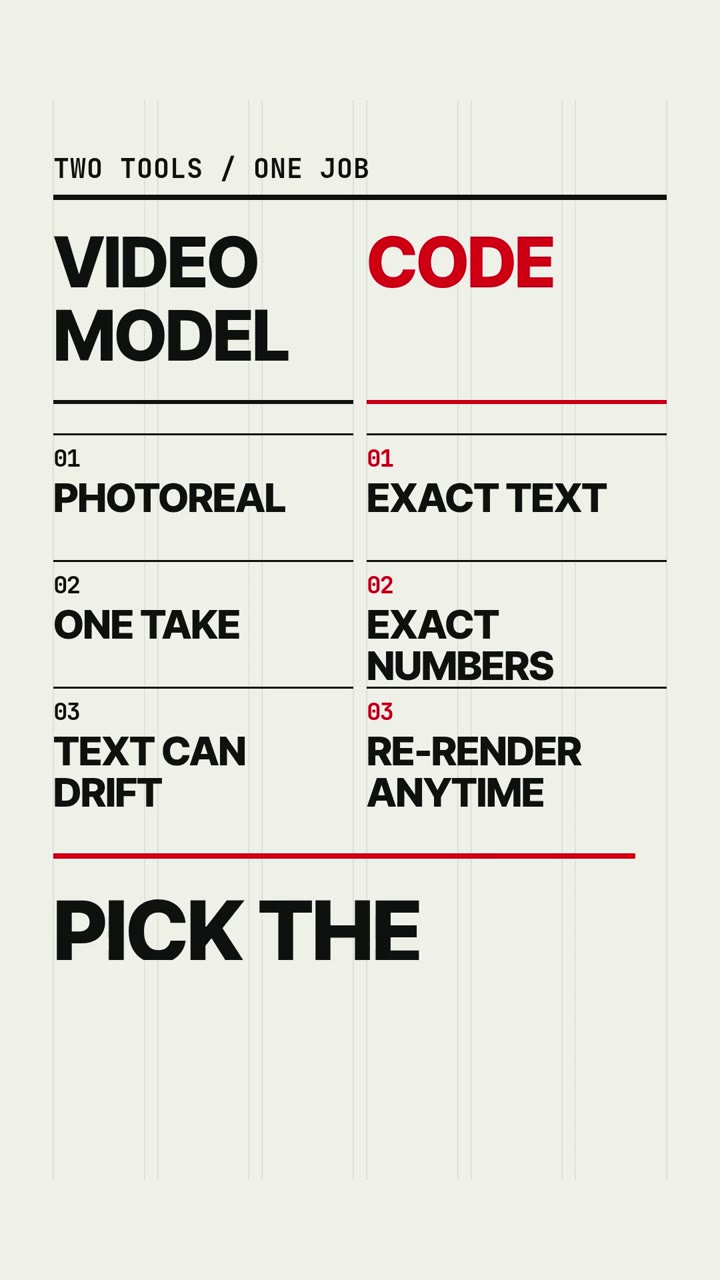
Pick by what carries the message. Words and numbers go to a Graphic style, a process to a diagram style, a character to clay, paper or ink.
Pick the style by what carries your message, and only then by taste. If words or numbers carry it, use a Graphic style. If a process carries it, use one of the diagram styles, and if a character does, use clay, paper or ink. Every style costs the same, so the choice is only about fit.
What a style fixes and what you decide
A style is a set of rules the agent follows: palette, typeface, shapes, motion and camera, plus a working example scene. Your prompt decides the subject and the story. The agent is told to change the subject and never the manner.
That is why Swiss Motion always sits on a six-column grid with red kept for the answer, and why Linocut prints one spot colour on the main subject only. You cannot talk a style out of its rules in the prompt. If you find yourself describing colours and fonts, you want a different style.
The six families
| Family | Styles | Reach for it when |
|---|---|---|
| 3D | Low Poly, Brick Toy, Claymation | Objects and characters should have weight, like toys on a table |
| Illustration | Comic Book, Ink Wash, Iso Infographic, Papercraft, Anime Cel, Crayon Picture Book, Watercolor, Whiteboard, One Line, Shadow Puppet, Stained Glass | A drawn story or a drawn explanation |
| Linocut, Risograph, Pop Silkscreen, Ukiyo-e | The video should feel like ink on paper | |
| Graphic | Art Deco, Swiss Motion, Blueprint, Data Story, Pictogram | Words, numbers or structure are the content |
| Retro | Retro Console, Rubber Hose, Mid-century Toon, Pixel Art | Nostalgia is part of the message |
| Cinematic | Hologram HUD, Miniature, Silent Film | A staged scene with a lens, a screen or a projector in it |
All 30 have a page with an example and three prompts on the styles index.
Start from what carries the message
A list, a date or a claim in words. Swiss Motion for tips and stats, Pictogram for one metaphor under a headline, Art Deco when the words are an announcement.
Numbers. Data Story draws one chart with one highlighted point. Hologram HUD suits a product with three specs to read out.
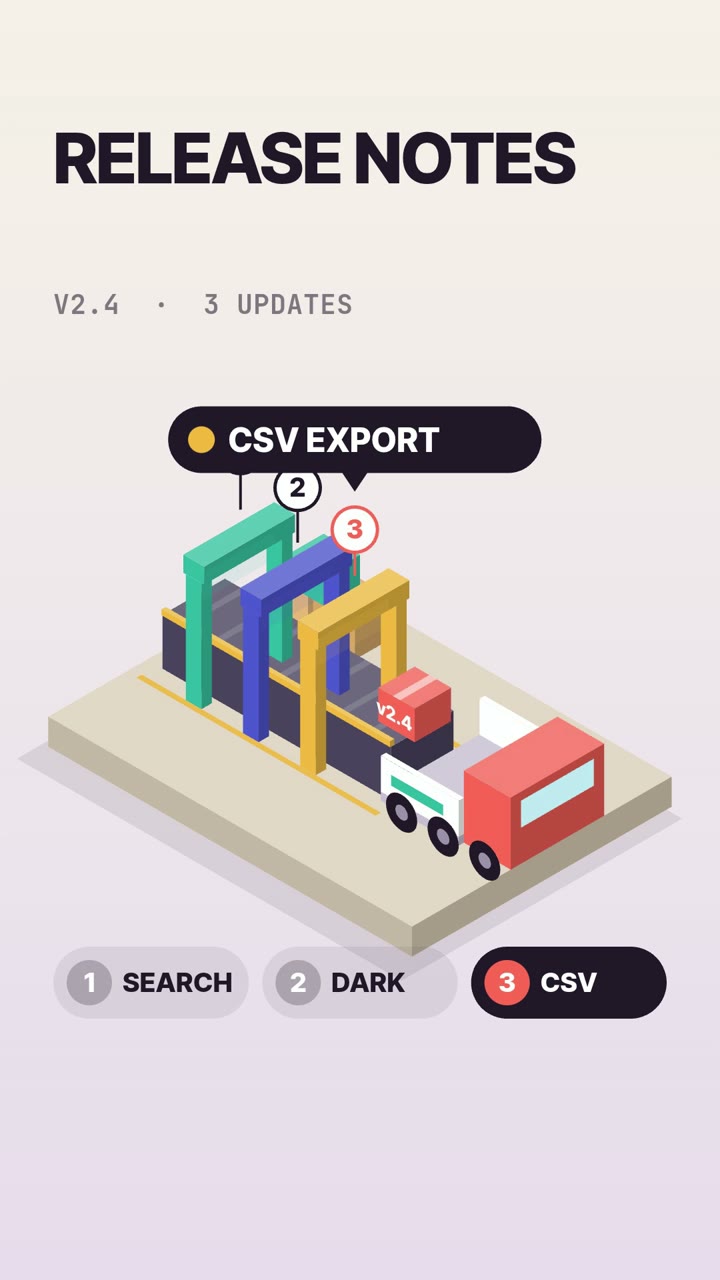
How something works. Iso Infographic for a process with stations and numbered pins, Whiteboard for a concept drawn live, Blueprint for an object with labelled parts, Brick Toy when the audience is young.
A small story with a character. Claymation, Papercraft and Crayon Picture Book are warm. Comic Book is for a punchline in three panels, Rubber Hose for objects that come alive on a beat.
A mood or a place. Ink Wash, Watercolor and Ukiyo-e are slow and quiet. Pixel Art makes atmospheric loops such as a rainy street with lanterns.
A launch. Art Deco lights up bulb by bulb, Anime Cel builds to one impact frame, and Pop Silkscreen shows one product in several colourways.
Check how the style handles words
The easy mistake is a message that is a sentence, sent to a style that barely uses text.
- Low Poly and Claymation are nearly wordless. A closing line works. A paragraph does not.
- Watercolor treats text as a rare pencil note in the margin.
- Ukiyo-e titles are invented glyphs that look like script and say nothing.
- Pixel Art has one bitmap font, in capitals, which is why the prompt for the video above ends on "PICK A STYLE".
- Retro Console draws text as a game HUD, with a mission line of three words or fewer.
- Silent Film puts words on black intertitle cards between shots, which suits a message of one or two short lines.
If the words matter most, stay in the Graphic family or use Whiteboard.
3D styles take longer to render
Five styles build a real 3D scene: Low Poly, Brick Toy, Claymation, Miniature and Retro Console. Our render machines have no GPU, so 3D frames are drawn in software and take longer than 2D canvas frames.
We cannot give you a current number for 3D. The ten videos on this blog, all in 2D styles, took between 1 min 48 s and 4 min 16 s each (the one above took 2 min 4 s). No 3D job has been timed since we changed rendering to several browsers in parallel. The one 3D timing we have, 11 min 20 s for the 15-second Claymation video in the gallery, is from before that change. A 40-second video in a 3D style is the slowest thing you can ask for.
The price does not change with the style. It depends on length and quality tier alone, starting at 350 credits for up to 10 seconds. Plans are in the pricing section.
Keep one style for a series
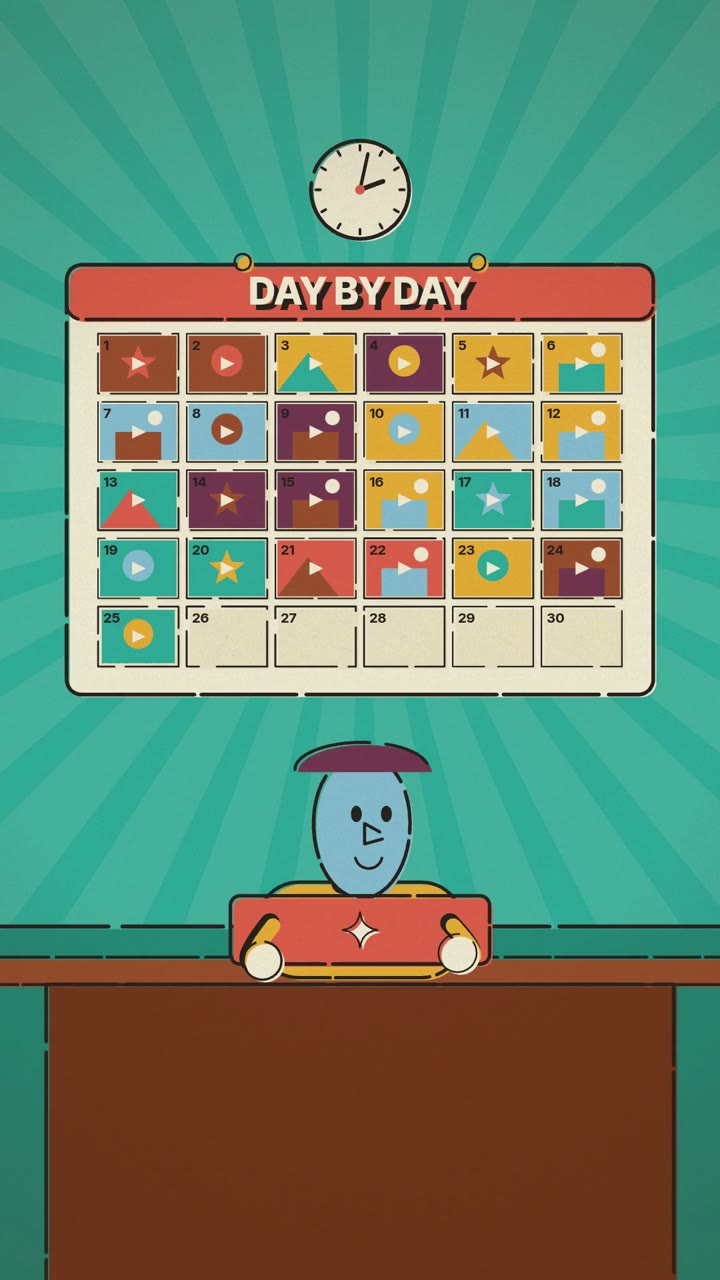
A style gives a series its consistency at no extra cost, because the rules are written down and the agent rereads them on every job. If you post regularly, choose once and keep it. We wrote up a full month's plan in a month of reels in one afternoon.
Where a style will not help
- You cannot mix styles. A job takes one style. A video that starts in clay and ends in ink is two jobs and your own edit.
- You cannot upload a brand kit. There is no image or font upload. Through the API you can pass one to six hex colours, and each style decides which of its own colours they replace.
- Nothing is photoreal. Every style is drawn by code. For footage, see code-rendered video vs. video models.
- Thirty is the list. If the look you need is not there, a prompt will not create it.
Questions
How many styles does agentvideo have?
Thirty, in six families: 3D, Illustration, Print, Graphic, Retro and Cinematic. Each has its own page with an example video and three prompts.
Do some styles cost more than others?
No. The price depends on the video's length and quality tier. A 15-second Standard video is 500 credits in every style.
Which style is best for text-heavy videos?
Swiss Motion for lists and stats, Data Story for a chart, Whiteboard for an explanation, and Art Deco for an announcement. Avoid the nearly wordless styles such as Low Poly, Claymation and Watercolor.
Can I use my own brand colours?
Through the API, yes: the options.palette field takes one to six hex colours, and each style decides which of its colours they replace. Logos and custom fonts cannot be added.