[Blog] For companies
A release video for every changelog, by API
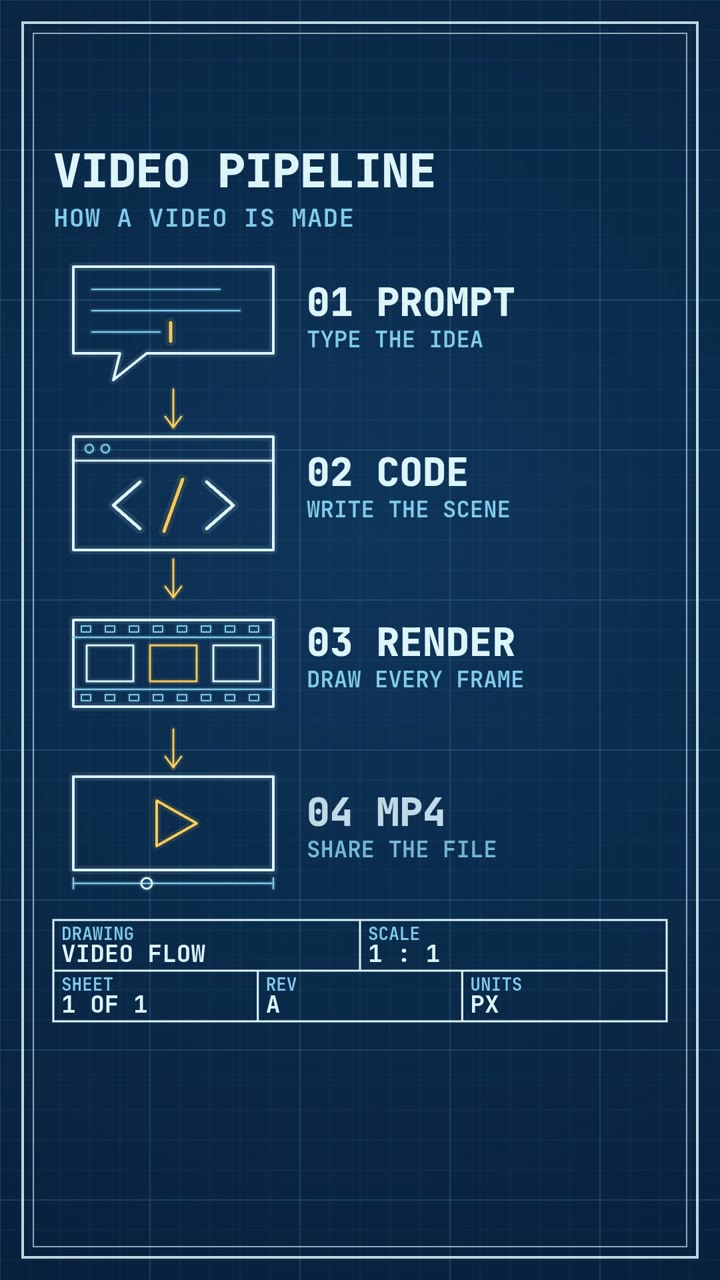
POST the release notes to /v1/jobs from your release script, poll until the job succeeds, download the mp4. A 15-second clip is 500 credits.
You can attach a 15-second video to every release with one script in your release job: POST the notes to /v1/jobs, poll until status is succeeded, download the mp4. Each clip costs 500 credits on the Standard tier. The 15-second videos on this blog took between 1 min 48 s and 4 min 16 s to make (the one above took 4 min 6 s), so run the job beside the deploy and never in front of it.
What the clip is
Three changes, one beat each, the version number and a closing line. The video above is that format in the Iso Infographic style: a parcel labelled "v2.4" passes three stations and drops into a truck.
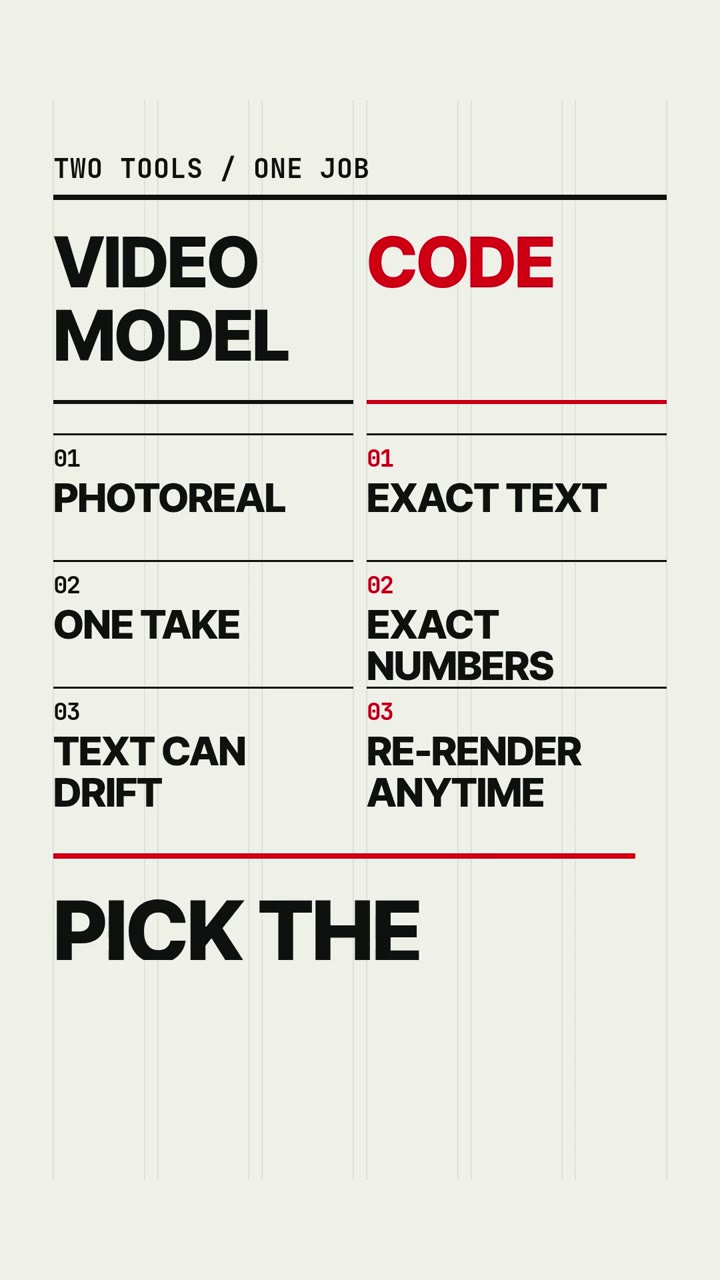
Choose one style and keep it for every release. Swiss Motion suits a plain numbered list, Iso Infographic a product with moving parts, and Art Deco a major version.
Step 1: turn the notes into a brief
The agent copies quoted words onto the screen exactly, so the brief is mostly quotes:
What is new in 2.4, one line each: "Faster search", "Dark mode", "CSV export".
Show "v2.4" first. End on the words "Shipped this week."
Keep it to three items of two or three words. The agent's guide allows about seven words on screen at once. How to write a prompt covers the rest.
Step 2: submit, poll and download with curl
Create a key in the app under API keys. It starts with av_live_ and is shown once.
export AGENTVIDEO_KEY="av_live_..."   # your key

JOB_ID=$(curl -s https://agentvideo.app/v1/jobs \
  -H "Authorization: Bearer $AGENTVIDEO_KEY" \
  -H "Content-Type: application/json" \
  -H "Idempotency-Key: release-2.4-clip" \
  -d '{
    "style": "iso-infographic",
    "prompt": "What is new in 2.4, one line each: \"Faster search\", \"Dark mode\", \"CSV export\". Show \"v2.4\" first. End on the words \"Shipped this week.\"",
    "duration_s": 15,
    "aspect": "16:9",
    "tier": "standard",
    "options": { "captions": false, "language": "en", "sound": true }
  }' | jq -r '.job.id')

while true; do
  JOB=$(curl -s "https://agentvideo.app/v1/jobs/$JOB_ID" \
    -H "Authorization: Bearer $AGENTVIDEO_KEY")
  STATUS=$(echo "$JOB" | jq -r '.job.status')
  echo "$STATUS $(echo "$JOB" | jq -r '.job.progress.phase')"
  case "$STATUS" in queued|running) sleep 10 ;; *) break ;; esac
done

if [ "$STATUS" = "succeeded" ]; then
  curl -L -o release-2.4.mp4 "$(echo "$JOB" | jq -r '.job.video_url')"
fi
The POST answers 202 with { "job": { "id", "status": "queued", "cost_credits": 500, ... } }. A job's status is one of queued, running, succeeded, failed or canceled. On success, video_url and poster_url are signed links that work for one hour without the key.
The Idempotency-Key header matters in CI. A repeated POST with the same key returns the first job, so a retried pipeline does not pay for a second video. Use the release tag.
Step 3: the same thing in Node
// release-video.mjs (Node 18+)
// node release-video.mjs 2.4 "Faster search" "Dark mode" "CSV export"
import { writeFile } from 'node:fs/promises'

const [version, ...items] = process.argv.slice(2)
const API = 'https://agentvideo.app/v1'
const auth = { Authorization: 'Bearer ' + process.env.AGENTVIDEO_KEY }
const prompt =
  `What is new in ${version}, one line each: ${items.map((i) => `"${i}"`).join(', ')}. ` +
  `Show "v${version}" first. End on the words "Shipped this week."`

const res = await fetch(API + '/jobs', {
  method: 'POST',
  headers: { ...auth, 'Content-Type': 'application/json', 'Idempotency-Key': `release-${version}-clip` },
  body: JSON.stringify({ style: 'swiss-motion', prompt, duration_s: 15, aspect: '16:9', tier: 'standard' }),
})
if (!res.ok) {
  const { error } = await res.json()
  throw new Error(`${res.status} ${error.code}: ${error.message}`)
}
let { job } = await res.json()

while (job.status === 'queued' || job.status === 'running') {
  await new Promise((r) => setTimeout(r, 10_000))
  job = (await (await fetch(`${API}/jobs/${job.id}`, { headers: auth })).json()).job
  console.log(job.status, job.progress.phase, job.progress.pct + '%')
}
if (job.status !== 'succeeded') throw new Error(job.error?.message ?? job.status)

const video = await fetch(job.video_url)
await writeFile(`release-${version}.mp4`, Buffer.from(await video.arrayBuffer()))
console.log('saved', job.cost_credits, 'credits')
Errors arrive as { "error": { "code", "message" } }. The ones a release script should expect:
| Status | Code | What to do |
|---|---|---|
| 402 | insufficient_credits | Buy a pack or wait for renewal |
| 403 | api_not_in_plan | The key's plan has no API access |
| 422 | prompt_rejected | The pre-flight check refused the prompt. Nothing is charged |
| 429 | too_many_running_jobs | Wait for a running job to finish |
| 429 | rate_limited | Honour the Retry-After header |
| 503 | queue_unavailable | Retry shortly |
The full list is in the API reference.
What a weekly cadence costs
The API is part of the Creator plan ($49 a month, 6,000 credits) and the Studio plan ($129, 18,000 credits). Starter has no API access.
| Cadence | Jobs a month | Credits a month | Plan |
|---|---|---|---|
| One 15 s Standard clip a week | 4 or 5 | 2,000 to 2,500 | Creator |
| The same clip in 9:16, 16:9 and 1:1 | 12 to 15 | 6,000 to 7,500 | Creator, plus a 2,000-credit pack in a five-week month |
| One 30 s Pro clip a week | 4 or 5 | 8,400 to 10,500 | Studio |
Plan credits reset at each renewal and do not roll over. Packs are for subscribers only: 2,000 credits for $22 or 10,000 for $95.
Each aspect ratio is its own job with its own price. The style is the same, but the agent writes each scene separately, so the three versions will not match frame for frame.
Download the file in the script and keep it with your release assets. Finished videos are kept 90 days on Creator and 180 on Studio, and the signed link is valid for an hour.
Where this does not fit
- A release gate. A job takes minutes and is cut off at 40 minutes on Standard. Do not make a deploy wait for it.
- Unreviewed posting. The agent can misread a brief. Send the mp4 to a person or a channel before it goes public.
- Logos and screenshots. A job takes text only. The agent does not draw logos or brand marks, and it cannot see your UI. Your product name appears as plain text.
- Long notes. Twelve changes do not fit in 15 seconds. Pick three, or see the page for companies for other formats.
Questions
Which plans include the API?
Creator and Studio. Creator allows 60 API requests a minute and two videos at a time, Studio 180 requests a minute and four at a time.
How do I avoid paying twice when CI retries?
Send an Idempotency-Key header of 1 to 128 printable ASCII characters, such as the release tag. A repeated POST with the same key returns the first job.
How long are the download links valid?
One hour. Fetch the job again for fresh links. The files themselves are kept until the job's expires_at, which is 90 days on Creator and 180 on Studio.
Can the video include our logo or product screenshots?
No. A job takes a text prompt only, and the agent does not draw logos or brand marks. A product or company name can appear as plain text.